Checking narration…
On this page
What is an audiogram?
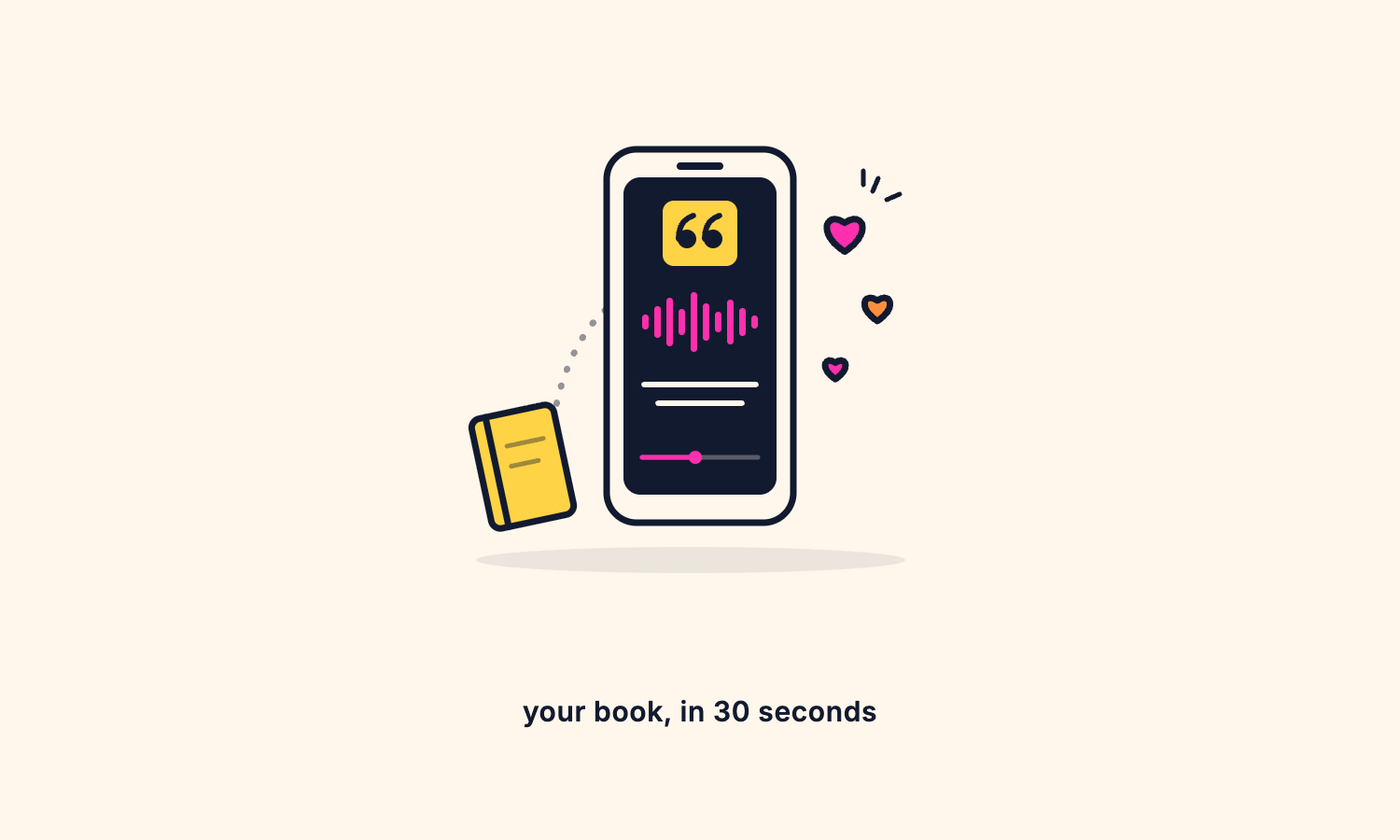
An audiogram is a short video built from three things: a clip of your story read aloud, an image (often your cover), and an animated waveform or captions that move with the words.
Publishing groups have recommended them for audiobook marketing for years. The Alliance of Independent Authors describes an audiogram as an audio wave animation, made from a static image and a short clip of "less than a couple of minutes". Spotify for Authors suggests sharing audiogram snippets with captions as Instagram content, and Authors Republic lists audiobook samples, also called audiograms, among its social media ideas.
Why do audiograms work for books?
On a video feed, people decide in seconds whether to keep watching. An audiogram gives them a taste of the book itself, instead of an ad about it.
Two things do the work:
- Captions let the clip work for people watching with the sound off. BookBub's guide to short-form video points out that many people scroll TikTok and Instagram without sound, and recommends captions for spoken audio.
- Sound pulls in the people who tap it on, because a voice reading a line from your story is hard to scroll past.
BookBub also calls short-form video one of the most effective tools for book discovery, particularly among younger audiences. Authors Republic recommends posting mini audiobook teasers on TikTok as part of BookTok.
Do you need an audiobook to make one?
No, and that's the point of this post.
Most guides assume you already have a finished audiobook to clip. If you write ebooks or print books, you can still share a voiced scene as a teaser for your book in any format.
If you do have a human-narrated audiobook, you can clip it with a general audiogram tool. Two things to do first:
- Check your narrator contract and your distribution agreement. For ACX-exclusive titles, ACX says promotional excerpts can't exceed 5 minutes or 10% of the audiobook's total duration, whichever is longer, and must be verbatim. Other agreements differ, so read yours.
- Credit your narrator when you post.
Which moment should you clip?
Pick the moment before you pick the tool. A good clip stands on its own for people who've never read a word of your book.
Look for:
- [ ] A line that works with no setup, such as a hook, a twist or a sharp exchange
- [ ] Dialogue with tension or humor
- [ ] A cliffhanger that ends mid-question
- [ ] One idea only, so the viewer isn't left holding three storylines
Avoid:
- Spoilers for your ending or a big reveal
- Long stretches of description
- Scenes that need context to make sense
If you're stuck, read your first chapter aloud and stop at the first line that makes you want to know what happens next.
How long should a clip be?
For feeds, the common advice is 30 to 60 second teaser clips with captions and waveforms. Longer scenes, up to a few minutes, suit YouTube or your book page, where people have chosen to stay.
Platforms change their length limits often, so check each one's current rules before you post.
How do you make it work with the sound off?
Many people watch with the sound off, so design for that first.
- Use big, readable captions. If someone has to squint, they'll scroll.
- Put the hook in the first words on screen. The first caption should make someone curious, not set the scene.
- Choose a calm backdrop. Your cover or a moody image works well, as long as the words stay easy to read.
- Keep one idea per clip.
Here are three short hooks to show what a first line can do. These are examples, not from a real book:
- "She'd already signed the letter. She just hadn't read the second page."
- "'You were never supposed to find this room,' he said, and locked the door."
- "Three days before the wedding, the groom's own mother told me to run."
Each one raises a question in a single sentence and doesn't need anything before it.
How do you post it so it leads somewhere?
A clip is only useful if the viewer knows what to do next.
- Name the book and the genre in the caption, so the right readers recognize themselves.
- Give one clear next step. That could be where to buy or listen, or your newsletter sign-up. One link is better than three.
- Post regularly. Pick a few strong scenes and share one a week.
- Reuse the same clip across platforms instead of making a new one for each.
If you have an audiobook, clips also fit into a bigger plan. Our post Marketing Your Audiobook After Launch covers where they sit alongside promo codes, deals and your reader list.
Making audiograms with Audibound
Audibound Audiograms is built for exactly this. Paste your story into Audibound Studio, which gives each character a voice and adds music and sound. Then search for the line you want and click it.
From there you can:
- Choose a caption style.
- Put your cover or your own artwork behind the words.
- Set the balance of voices, effects and music.
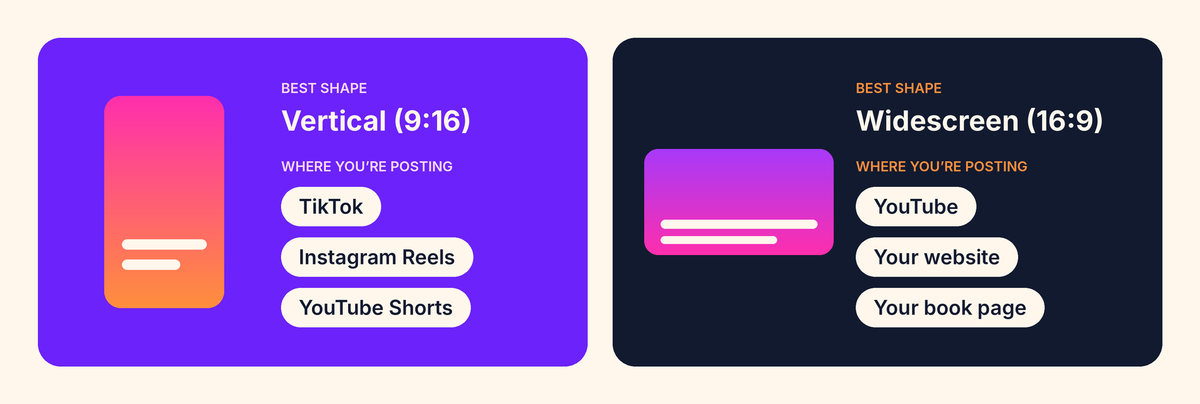
- Export a vertical clip for TikTok, Reels and Shorts, a widescreen one for YouTube, or both.
Clips run from 30 seconds to 5 minutes.
Audiograms works from your book's text rather than existing recordings, so the voices are Studio's digital voices. You can't upload your own finished narration. Use your clips to market your book or share them with your listeners. The video is yours to post anywhere.
Ready to turn a scene from your book into a clip? Try Audibound Audiograms.
Sources
- Alliance of Independent Authors: Audiobook marketing for indie authors
- Spotify for Authors: Social media for authors
- BookBub Partners: How to Use Short-Form Video to Market Your Book (April 9, 2026)
- Bad Redhead Media: How to Sell and Market Your Audiobook: Tips for Authors Ready to Be Heard
- Authors Republic: Audiobook Marketing: 20 Effective Strategies for Audiobook Promotion (March 25, 2025)
- ACX: Sound Strategy: Using Audio Clips to Amplify Your Audiobook Sales (February 18, 2025)
- Audibound Audiograms